Skip to content

Which HDMI cable, and why length decides

HDMI cables are the most over-sold product in this catalogue and one of the simplest to choose. Two certification categories cover everything, length decides reliability, and everything else on the packaging is construction. This guide is those two facts and what to do past three metres.

The two categories that mean anything

Premium High Speed is certified for 18 Gbit/s — 4K at 60 Hz. Ultra High Speed is certified for 48 Gbit/s — 4K at 120 Hz and 8K at 60. Both carry a verifiable certification. “HDMI 2.1” printed on a cable is not a specification, and HDMI licensing forbids selling cables by version number precisely because it tells you nothing.

For a short run

The Ubluker or the Southlight, both certified, in the shortest length that reaches. This is the entire decision for a run between a television and a bar or a source.

For a long run

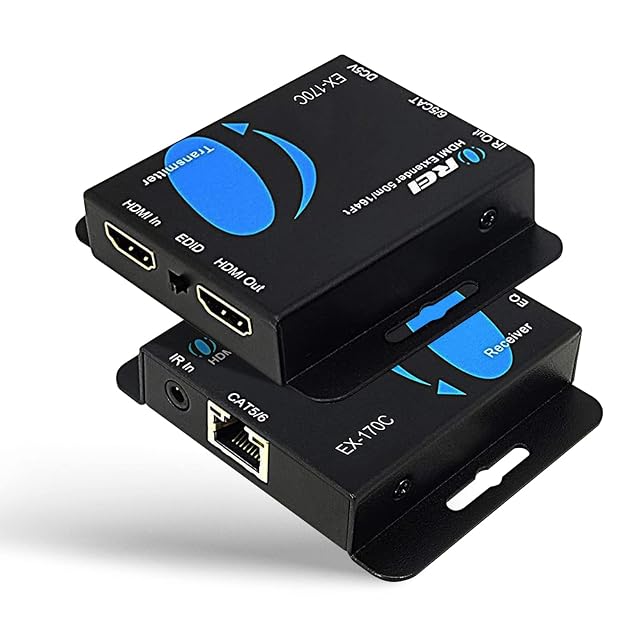
The Orei extender sends the signal over network cable, which reaches far further than copper HDMI. Read the cable category it requires and whether the pair is HDBaseT or a compressed variant.

When one source has to feed two screens, or several sources one

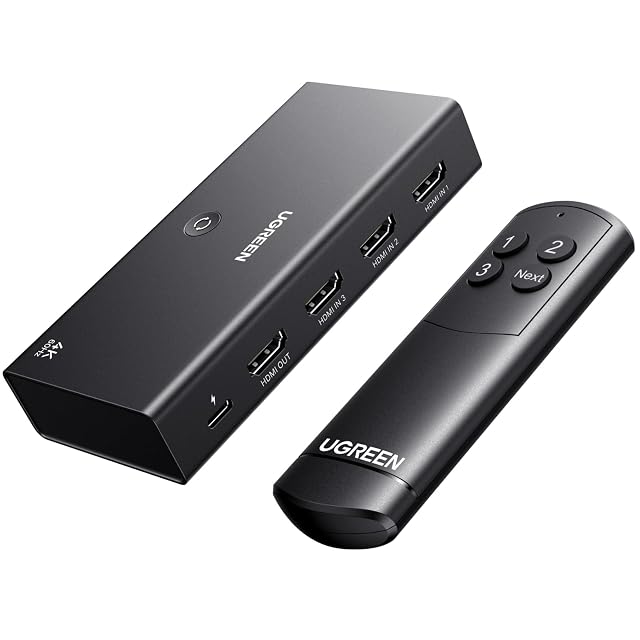
The UGREEN switch handles the bidirectional case. Look at bandwidth, EDID handling and HDCP version rather than at socket count: a unit rated 18 Gbit/s will not pass 4K at 120 Hz whatever its sockets suggest, and a device that mishandles EDID will downgrade the better of two displays.

What to do when a picture drops out

Shorten the cable before replacing it with a better one. Length is the cause far more often than quality, and a two-metre certified cable costs less than the five-metre one that failed.

What we recommend, and why

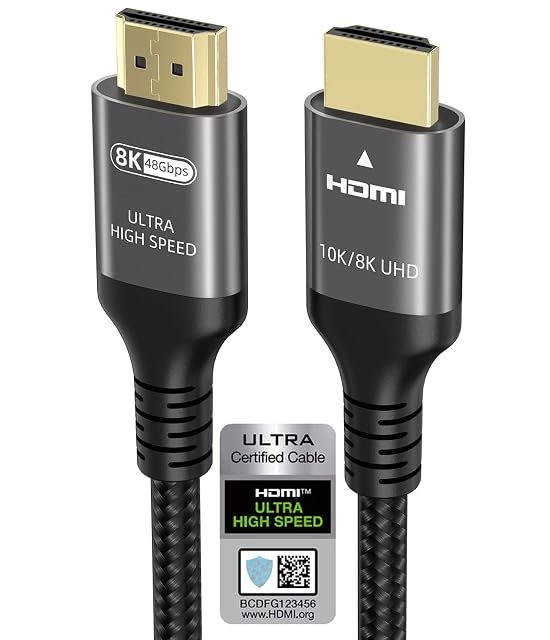
  1. Ubluker certified Ultra High Speed HDMI cable, 1.5 m

    1.5 m · official HDMI Forum certification label on the packaging · 48 Gbit/s · VRR, ALLM, QMS, QFT, SBTM, CEC · HDCP 2.2 and 2.3 · VESA DSC 1.2 · eARC and ARC

    A short certified cable that lists the gaming features by name — VRR, ALLM, QMS, QFT — rather than leaving them implied by a version number.

    Best for: A console or streaming box next to the television, where a short run and every gaming feature matter.

    ≈ $14 / £8 / 11 €
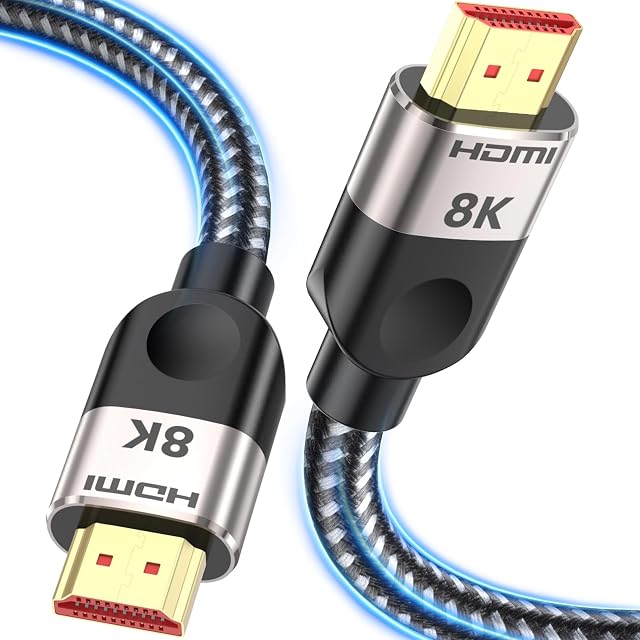
  2. Southlight certified Ultra High Speed HDMI cable, 3 m

    3 m · certified Ultra High Speed · 48 Gbit/s stated · 8K 60 Hz and 4K 120 Hz · eARC · braided nylon with aluminium alloy housing

    Three metres is the length at which passive copper still carries 48 Gbit/s reliably — and the certification is what makes that claim verifiable rather than printed.

    Best for: A projector or receiver up to three metres from the source, at 4K 120 Hz or 8K.

    ≈ 7 €

  3. OREI EX-170C HDMI over Ethernet extender with IR, 50 m

    transmitter and receiver pair over Cat 5e/6/7 · over 50 m at 1080p · 4K 30 Hz stated in the title · HDMI loop-out at the transmitter · IR return path both directions · M-JPEG compression, stated · two 5 V 1 A power supplies included · 1-year warranty

    A pair with an infrared return path — so a remote works at the far end — and a loop-out for a local screen, on stated M-JPEG compression.

    Best for: A projector in another room where the source has to be controlled by remote from the viewing position.

    ≈ $45 / £36 / 55 €

  4. UGREEN 3-in-1-out HDMI switch with remote

    3 in / 1 out switch · 4K 60 Hz, 1440p 120 Hz, 1080p 240 Hz · stated bandwidth 18 Gbit/s · USB-powered, 5 V 1 A minimum required · IR remote plus manual button · no automatic switching

    The bandwidth here matches the resolution claim — 18 Gbit/s — and the maker states plainly that it needs power and will not switch automatically.

    Best for: Three demanding 4K sources into one screen, changed regularly from the sofa.

    ≈ $20 / £14 / 19 €

Questions people actually ask

Is an expensive cable better?

Past certification, no. A certified Ultra High Speed cable carries 48 Gbit/s and so does one costing five times more. Braiding, plating and thickness are durability and construction rather than bandwidth.

What do I do past three metres?

An active cable, which is directional and marked at each end, or an optical one, which reaches tens of metres. Fitting an optical cable the wrong way round is the most common failure on that shelf, and the arrows are printed small.

Do expensive HDMI cables help?

Over short runs, no. A certified cable does the job completely, and above that the money mostly buys packaging.

When does the cable matter?

On long runs, where signal loss is real and construction genuinely differs. That is where paying attention pays off.

Can a cable add a feature?

No. If your source or display does not support something, no cable will change that. Check both ends first.

What should I look for on the packet?

The certification. It exists precisely so you can buy against a stated specification rather than marketing language.

My picture keeps dropping out. Is it the cable?

Usually the cable or the connection. Reseat it and test with a spare; that diagnoses most cases in a minute.

What about cables inside walls?

Think about how you will replace it, and check whether fire ratings apply where you live. Both matter more than the brand.

The tool we use ourselves

Chosen your machine? Now buy it at the right price.

Projectors, soundbars and receivers swing by fifty euros or more across the year, and the biggest "discounts" often land at prices the same model sold for six weeks earlier. UniverTrack tracks the real price history across retailers, spots fake reductions, and alerts you when it is genuinely the moment to buy.

Real price historyBuy-now alertsAI buying assistant
Try free for 14 days →
No commitment · Cancel in one click · 5 languages