Four things to establish before buying
- The VESA pattern, in millimetres, measured between the threaded holes on the back of the television. Mounts state a range; yours has to fall inside it.
- The weight of the screen, from its own specification, not estimated.
- What the wall is made of. This decides more than the mount does.
- How the cables will reach. A flat mount leaves 15 to 30 mm behind the screen, and a stiff HDMI plug needs more than that. Plug in everything you will ever need before the television goes on the wall.
The choice between fixed and moving
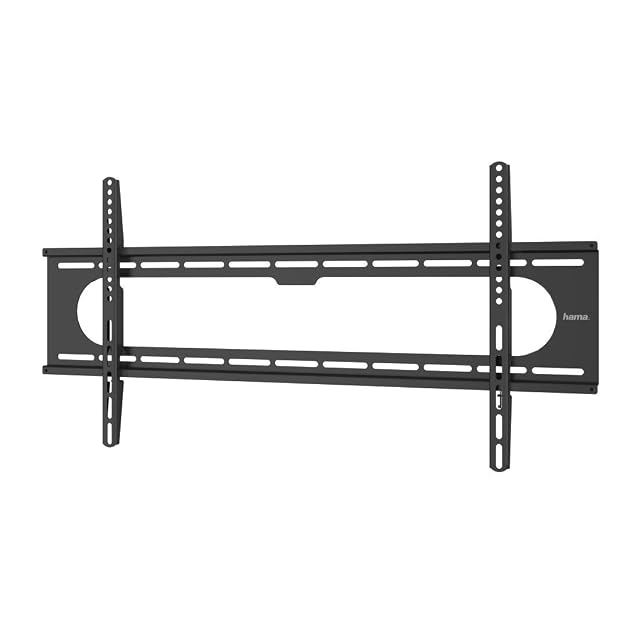
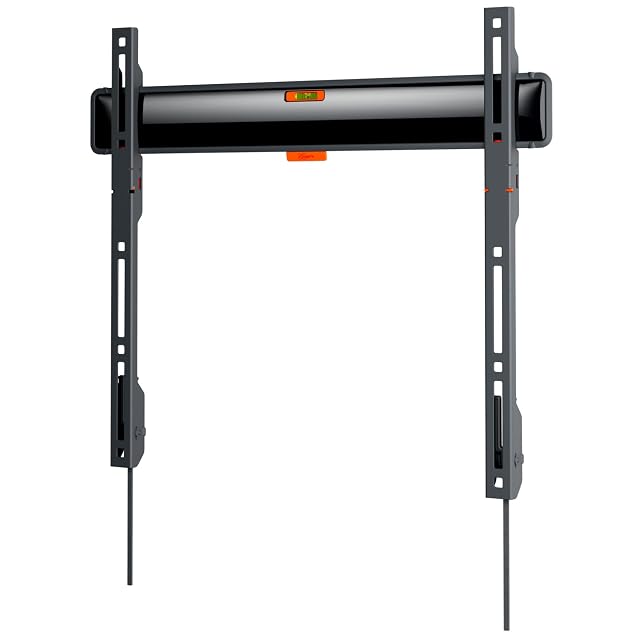
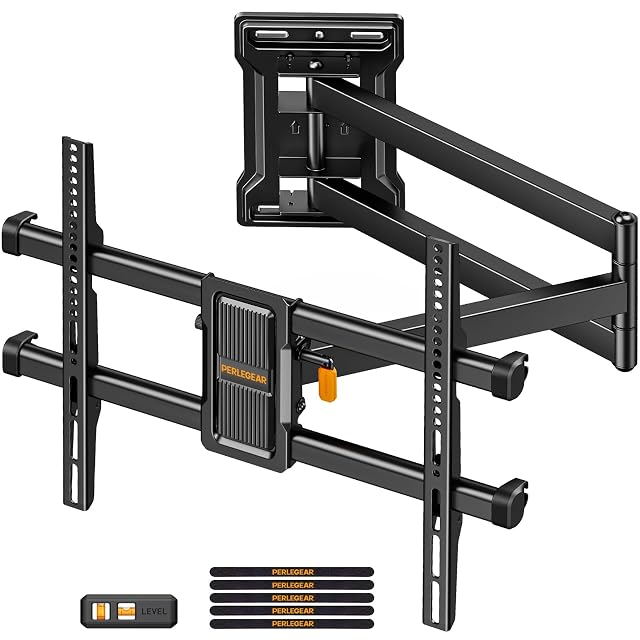
A fixed mount sits closest to the wall, has nothing to sag, and costs a fraction as much. A full-motion arm lets the screen be seen from the side and folds back — and at full extension it applies several times the leverage to its fixings that a fixed plate does. Buy the movement you will actually use.
The release mechanism matters more than it sounds
A television you cannot lift off is one you cannot plug anything into later. Check how the screen comes off the plate before you fix the plate.
Where this page stops
At the wall. Which anchor, which depth, which spacing and whether the wall can take it at all are questions the mount’s own instructions answer for each material, and they are the ones that govern. Nothing here replaces them.
Questions people actually ask
Is the mount's stated capacity enough to go on?
It describes the bracket. Brick, plasterboard and aerated concrete behave in three different ways with the same screws, and most kits supply masonry fixings only. The maker states which fixings suit which material, and that statement — not the load figure — is what governs.
Do I need to find the studs?
On a timber-framed or plasterboard wall, yes, and it is not optional. On solid masonry the fixing goes wherever the anchor is rated for. Establishing which wall you have is the first job, and a stud detector or a careful look behind a socket faceplate will tell you.
Last reviewed 4 September 2026