Skip to content

Replacing a lamp, and the three tiers listings blur

A lamp is a consumable with a stated life, and the shelf that sells replacements has three tiers that listings deliberately blur. Knowing which one you are buying is most of the decision, and the model number on the underside of your projector is the only thing that establishes compatibility.

The three tiers

Original module — the maker’s bulb in the maker’s housing. Most expensive, no compatibility doubt. Bulb-inside — an original Philips, Osram or Ushio burner in a third-party housing. Usually the sensible purchase, and the OSRAM listing here is that tier. Compatible — neither, and where the variation in life and brightness lives.

Establishing compatibility

By projector model number, exactly, from the label on the underside of the machine. Not by the model of the lamp printed in a forum post, and not by “fits most Epson”.

What to read on the listing

Whether the housing is included, the stated life in hours with its mode — the figure is quoted in eco — and the warranty. Those three separate two listings that otherwise look the same.

While the machine is open

Clean the filter if it has one, and blow the dust off the lens rather than wiping it. The PRINOX kit is the safe option for the optics: no alcohol, no ammonia, because both dissolve the anti-reflective coating, and the damage looks like haze and is permanent.

After fitting

Reset the lamp timer in the projector menu. It does not affect the new lamp, and it is the only way the machine will warn you honestly next time.

What we recommend, and why

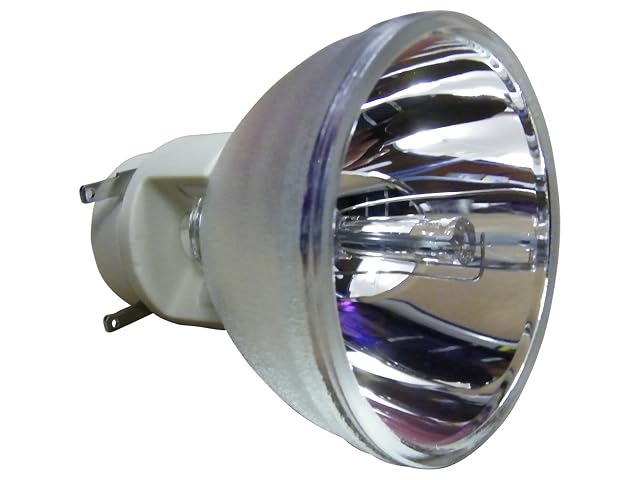
  1. Osram P-VIP 240/0.8 E20.9N bare replacement burner

    genuine Osram P-VIP 240/0.8 E20.9N burner · 240 W, nominal voltage 70.0 V · supplied WITHOUT a housing · intended for do-it-yourself refurbishment of an existing lamp module · check the maker's compatibility list for your projector

    A genuine Osram burner with its electrical specification published — bare, for transferring into the cage you already own.

    Best for: Someone comfortable transferring a burner into an existing cage, who wants the genuine part.

    ≈ $100 / 58 €
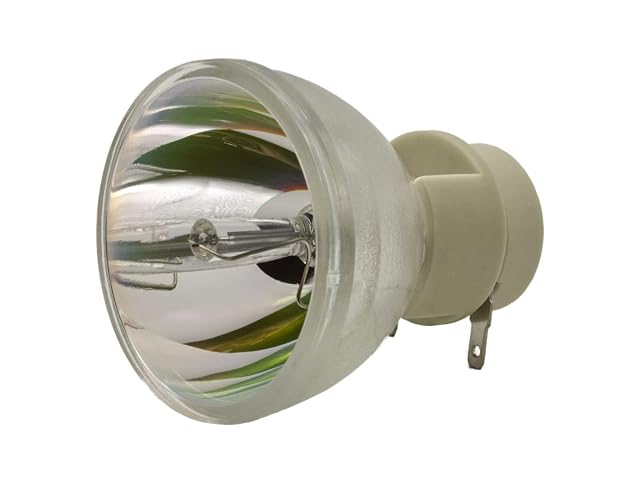
  2. azurano replacement lamp 5J.JED05.001 for BenQ TH683

    replacement lamp for BenQ TH683, part number 5J.JED05.001 · stated as a straightforward exchange requiring no expertise · reuses the existing housing, reducing waste · burner brand not stated · stated life in hours not published

    The cheapest lamp here, tied to one exact part number — and the two figures that separate lamp tiers are both absent from the listing.

    Best for: A BenQ TH683 whose lamp has failed, where cost matters more than a published life figure.

    ≈ 40 €

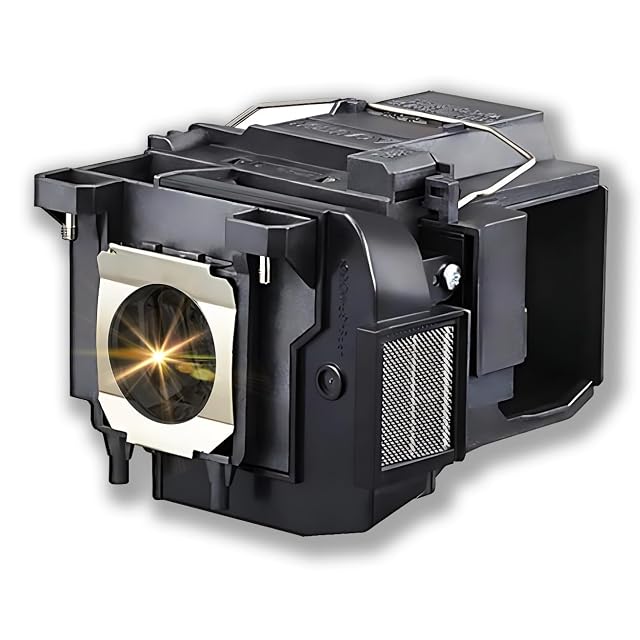
  3. Supermait EP85 lamp with housing for Epson ELPLP85 projectors

    compatible part number EP85, for Epson ELPLP85 / V13H010L85 · stated as a new original PHILIPS lamp WITH housing · stated life 2 000 h normal, 3 000 h eco · 180-day warranty · fits EH-TW6600, 6700, 6800, 7000, 7100 and PowerLite HC 3000 series

    The clearest listing on this shelf: a named burner brand, a housing included, and both life figures with their modes.

    Best for: An Epson using the ELPLP85 lamp, where a straightforward swap and a known burner both matter.

    ≈ £102 / 115 €

  4. Prinox MX029 XXL screen cleaning set, 250 ml with cloth and brush

    250 ml display cleaning spray · microfibre cloth stated as specifically for displays · cleaning brush · stated for LCD, LED, OLED, QLED, plasma and TFT · developed, tested and produced in Germany · alcohol and ammonia content not declared

    A complete German-made set for every panel type — with the same undeclared formula as most of this shelf.

    Best for: A household of screens where one 250 ml bottle has to cover everything.

    ≈ 14 €

Questions people actually ask

Do I need the housing?

It depends what you are replacing. A bare bulb costs less and requires transferring the cage from the old lamp, which is fiddly and entirely doable. A complete module drops in. Listings state which is supplied, and it is worth reading twice.

How do I know my lamp is failing?

Gradual dimming rather than failure, most of the time. A projector that has quietly become less impressive over two years is often a lamp at the end of its stated hours rather than a machine that was overrated.

How do I know the lamp needs replacing?

The projector's counter warns you, and the picture dims. Check the picture mode and filter first, though, since both dim a picture too.

Which lamp do I buy?

One matched to the projector's exact model number. Lamps are model-specific and nothing else is reliable.

Genuine or third party?

A real decision with real trade-offs. Cheaper alternatives vary considerably, and it is worth reading about your specific model.

Do I need to reset anything?

Most projectors need the lamp hours reset after replacement. It takes a moment and is easy to forget.

Why did my lamp not last?

Heat, usually: blocked vents, dirty filters, or unplugging before the cool-down finished. All shorten a lamp's working period.

Is it safe to do myself?

Generally yes, with the projector unplugged and fully cooled, following the maker's instructions. Lamps run extremely hot.

The tool we use ourselves

Chosen your machine? Now buy it at the right price.

Projectors, soundbars and receivers swing by fifty euros or more across the year, and the biggest "discounts" often land at prices the same model sold for six weeks earlier. UniverTrack tracks the real price history across retailers, spots fake reductions, and alerts you when it is genuinely the moment to buy.

Real price historyBuy-now alertsAI buying assistant
Try free for 14 days →
No commitment · Cancel in one click · 5 languages